Wrike integration
Authentication
Supported authentication methods
Personal token
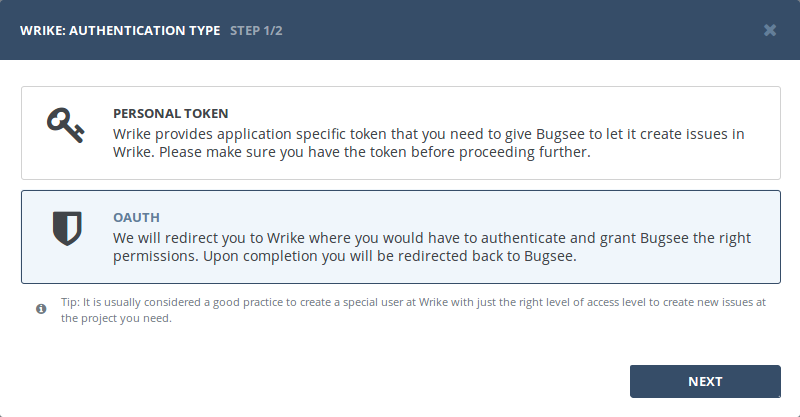
Generate a permanent access token in Wrike (Apps & Integrations → API), then start the Bugsee integration wizard, select "Personal token" at the first step and paste the token when prompted.
OAuth
Start Bugsee integration wizard and select "OAuth" at the first step. Click "Next".
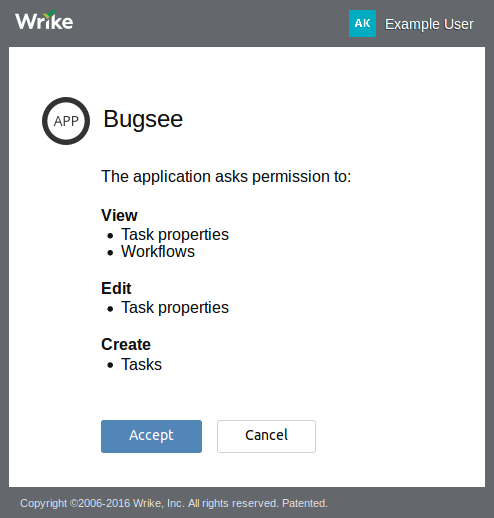
You will be presented with dialog asking you to authorize Bugsee. Click Authorize to allow Bugsee access your Wrike.
Configuration
There are no specific configuration steps for Wrike. Refer to configuration section for description about generic steps.
Found an issue, typo, or wrong statement on this page? Report it now →